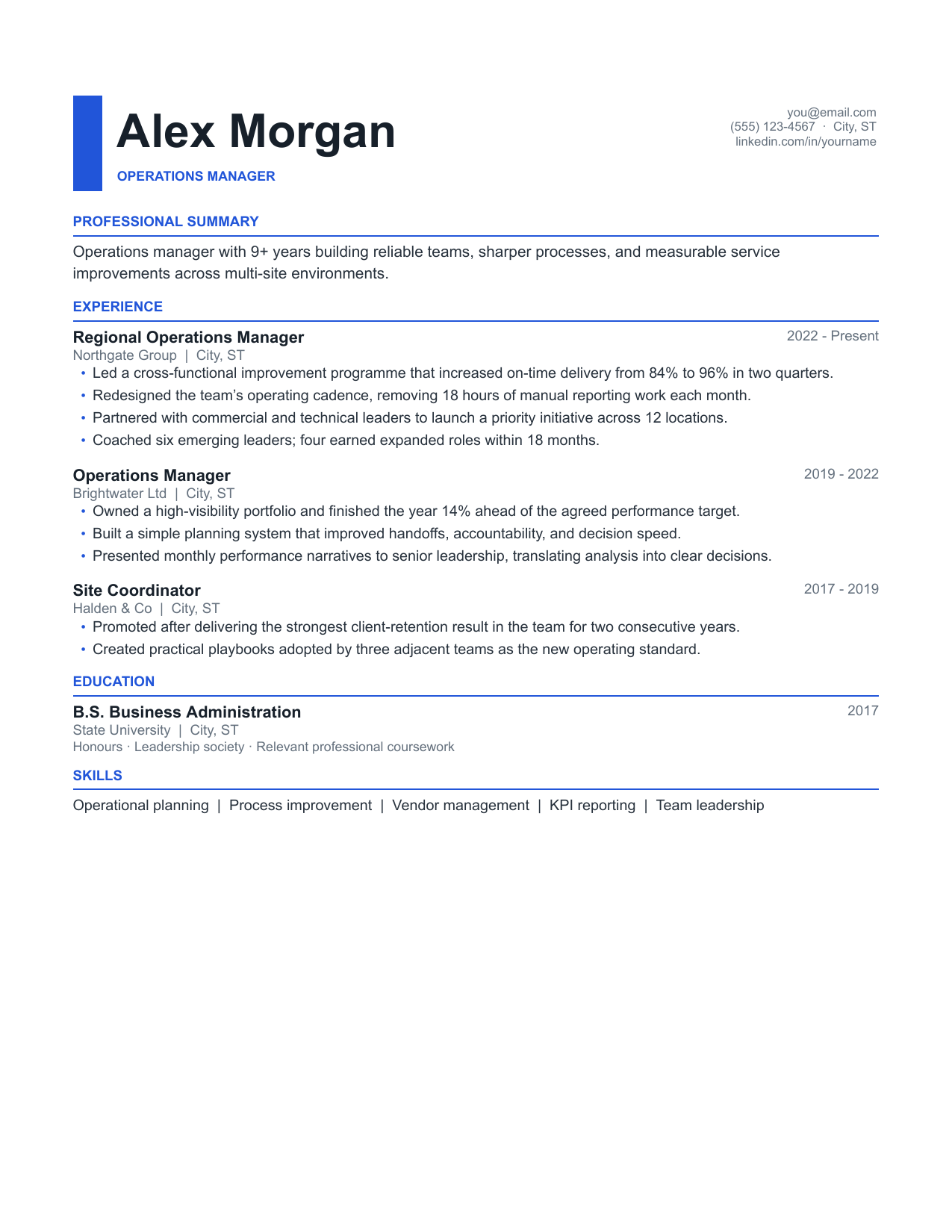
Crisp
The safe defaultOne column, one font, no tables around the body text. Parses cleanly in every applicant tracking system we could test against.
Best fitAny role where you cannot risk a parsing error
20 free templates · Google Docs
Professionally designed, recruiter-readable templates that copy straight into your Google Drive. No signup, no watermark, no formatting cleanup.
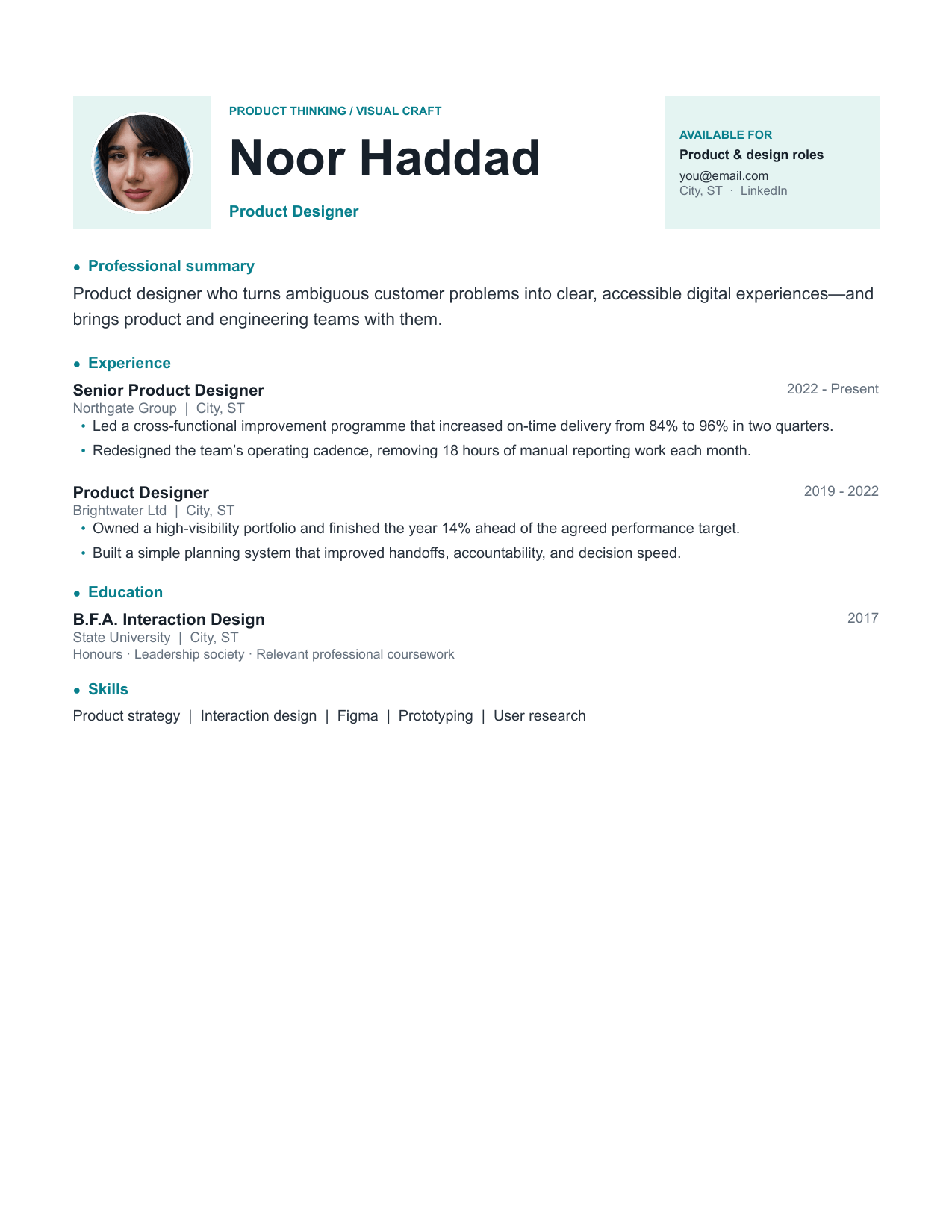 Meridian
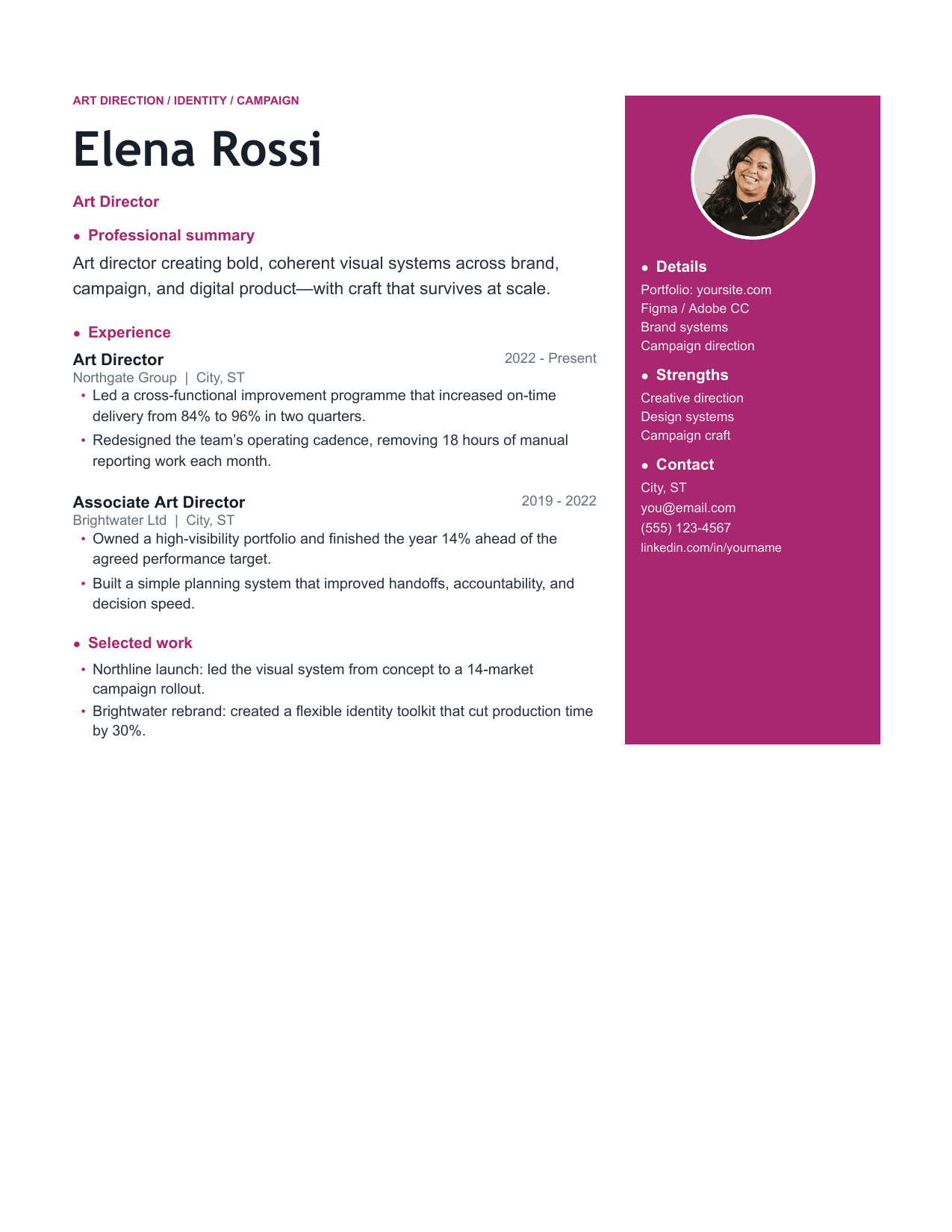 Studio
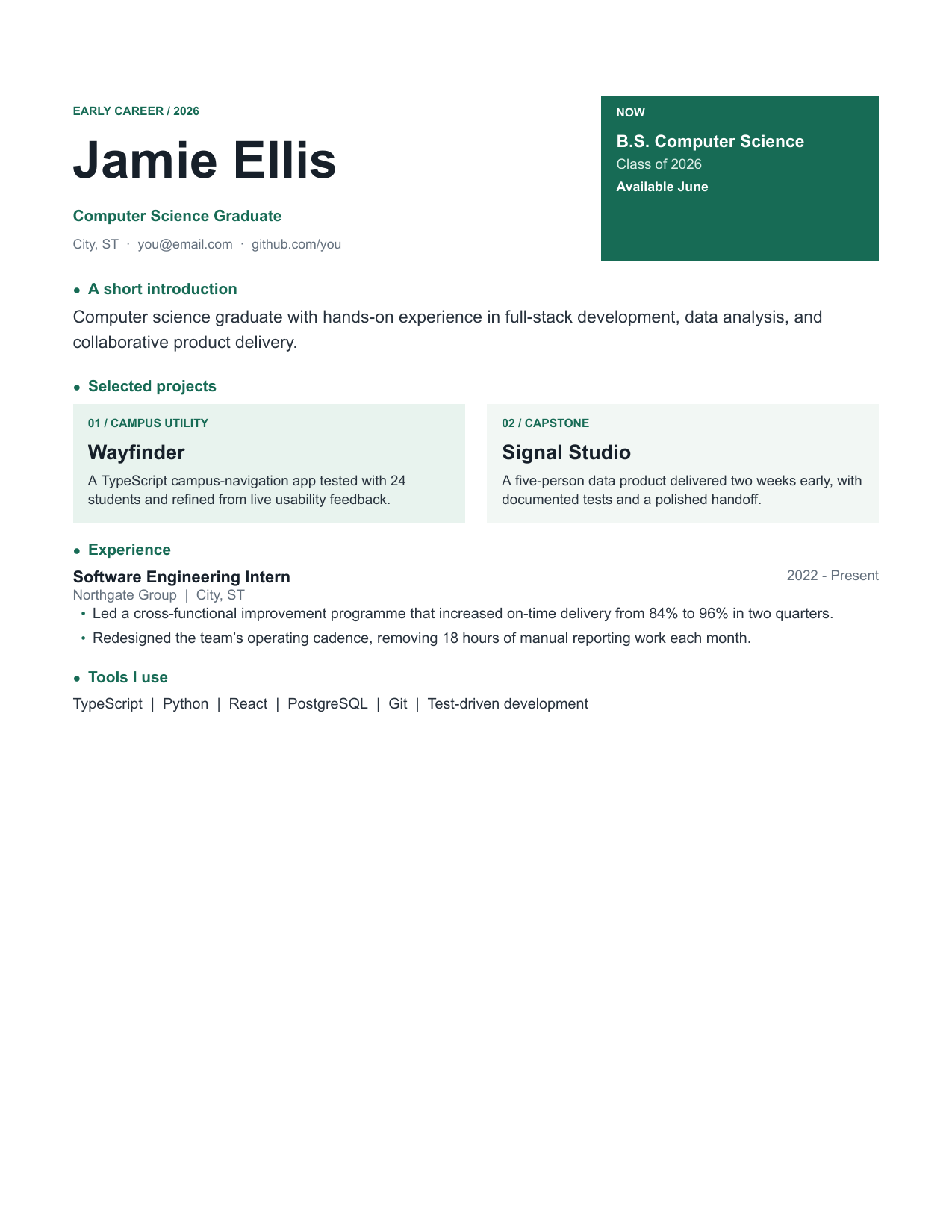 Graduate
The collection
Choose for the role and the way you are applying. Every file is fully editable.
One column, one font, no tables around the body text. Parses cleanly in every applicant tracking system we could test against.
Best fitAny role where you cannot risk a parsing error
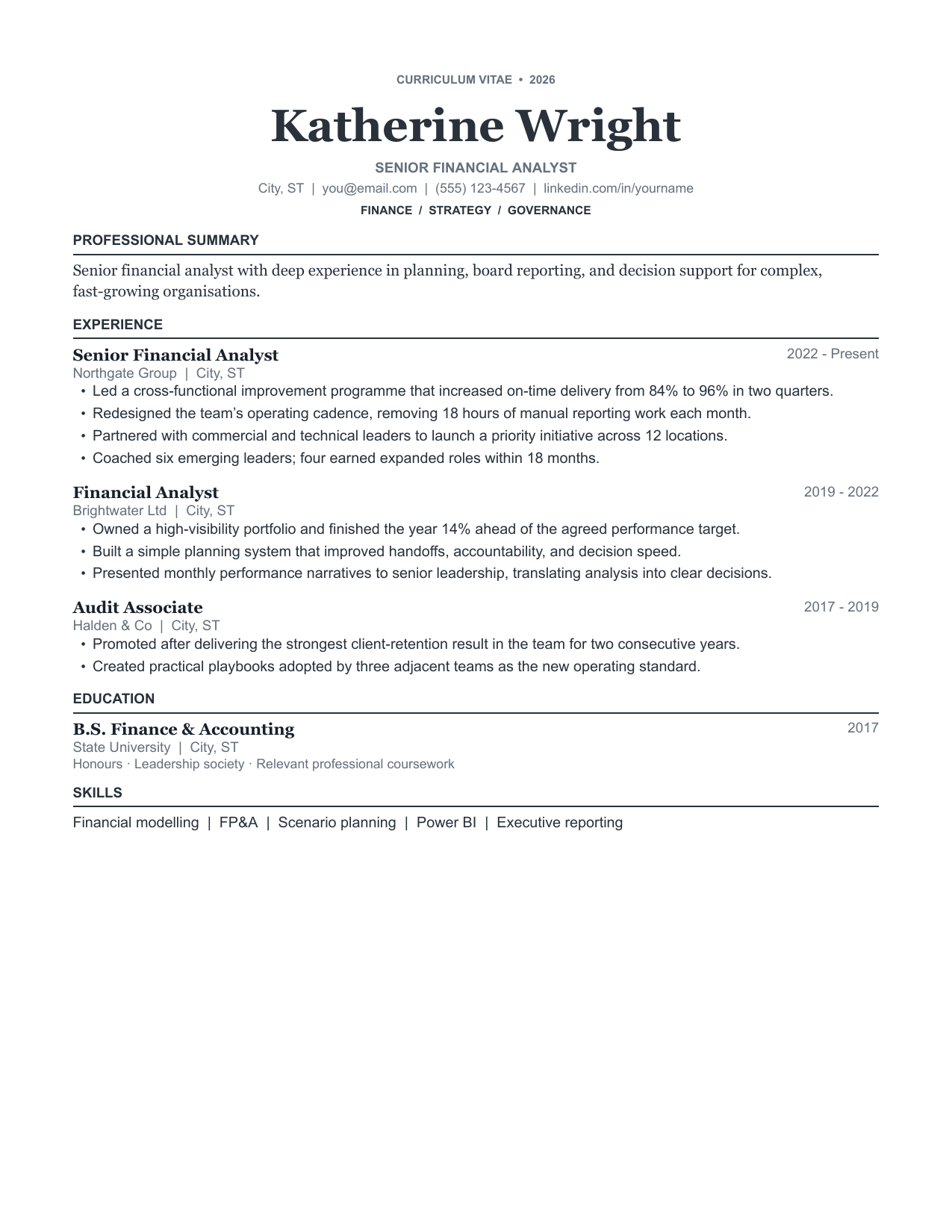
A restrained serif layout for fields where a modern resume reads as unserious. Generous margins, ruled section breaks.
Best fitFinance, law, accounting, academia
An optional circular portrait, asymmetrical header and soft contact card give this sparse product-design resume a polished editorial feel.
Best fitDesign-adjacent roles that still get screened by software
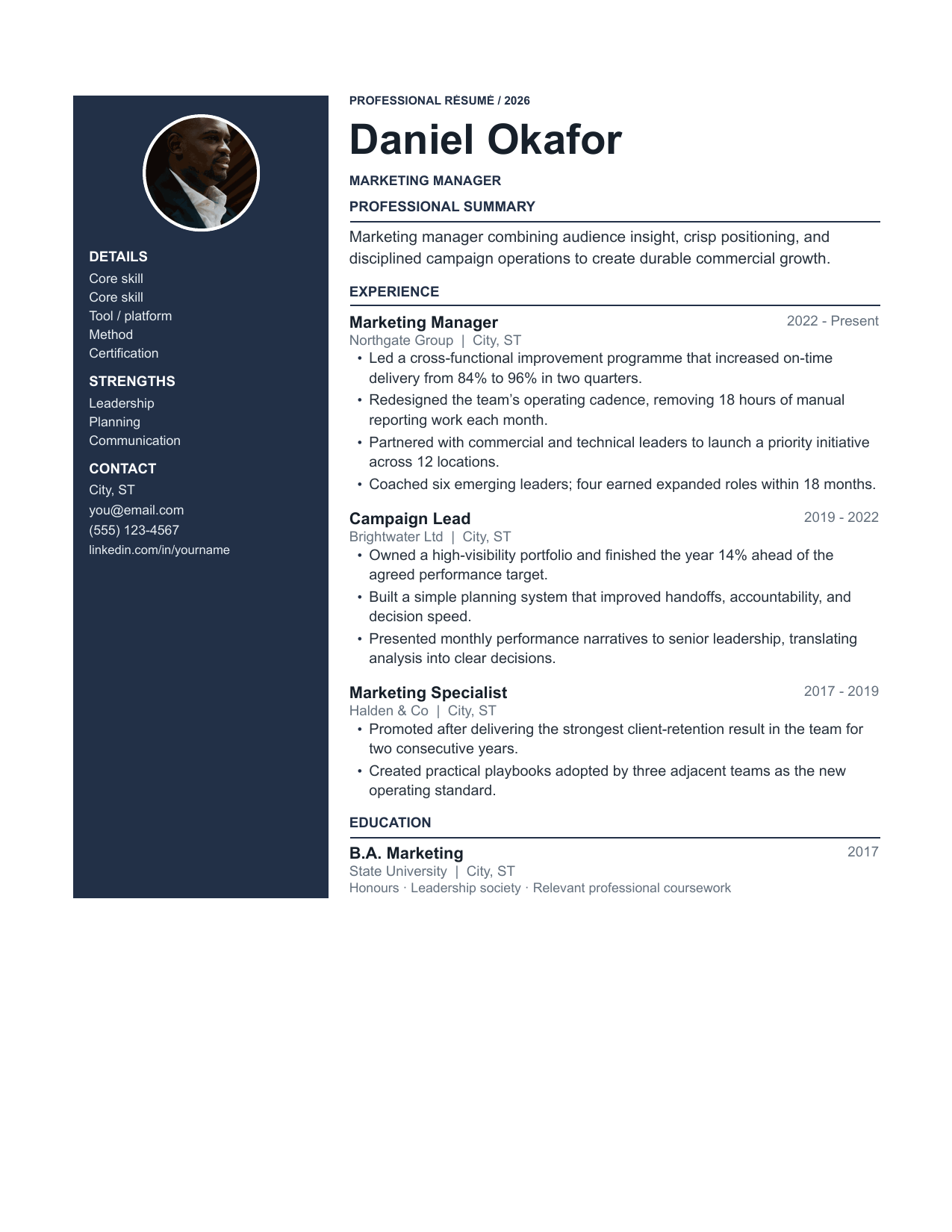
A confident portrait and deep navy rail hold contact details and strengths while the experience column stays crisp and recruiter-readable.
Best fitCandidates with a long skills list to surface early
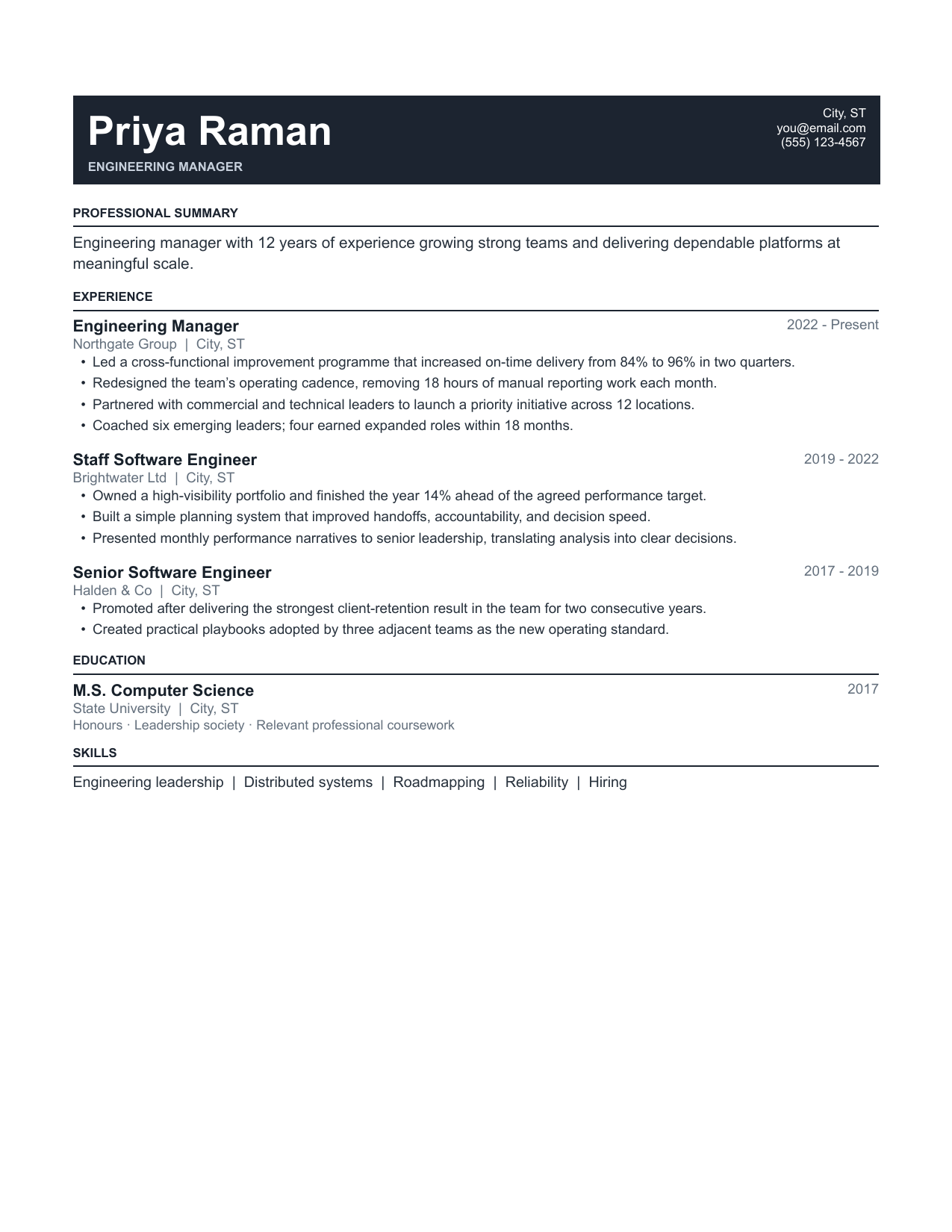
Tighter leading and condensed section spacing for people with enough history to spill onto page two. Still fully parseable.
Best fit8–15 years of experience, one-page requirement
A deliberately light early-career layout with a bold education card and two project stories, so limited work history never feels like empty space.
Best fitStudents, new graduates, first job out of school
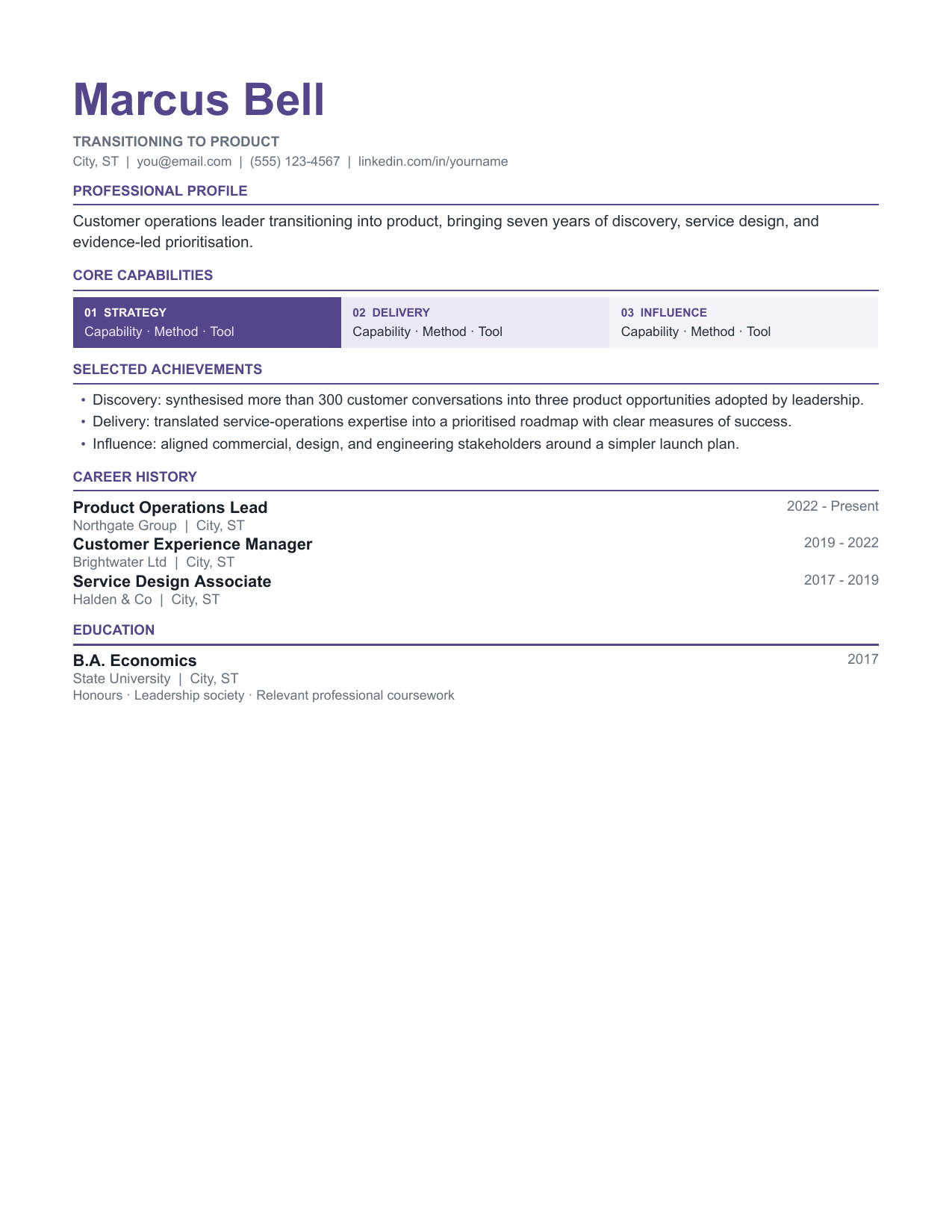
A functional layout that groups achievements by capability rather than employer — useful when your job titles do not match the role you want.
Best fitCareer changers moving between industries
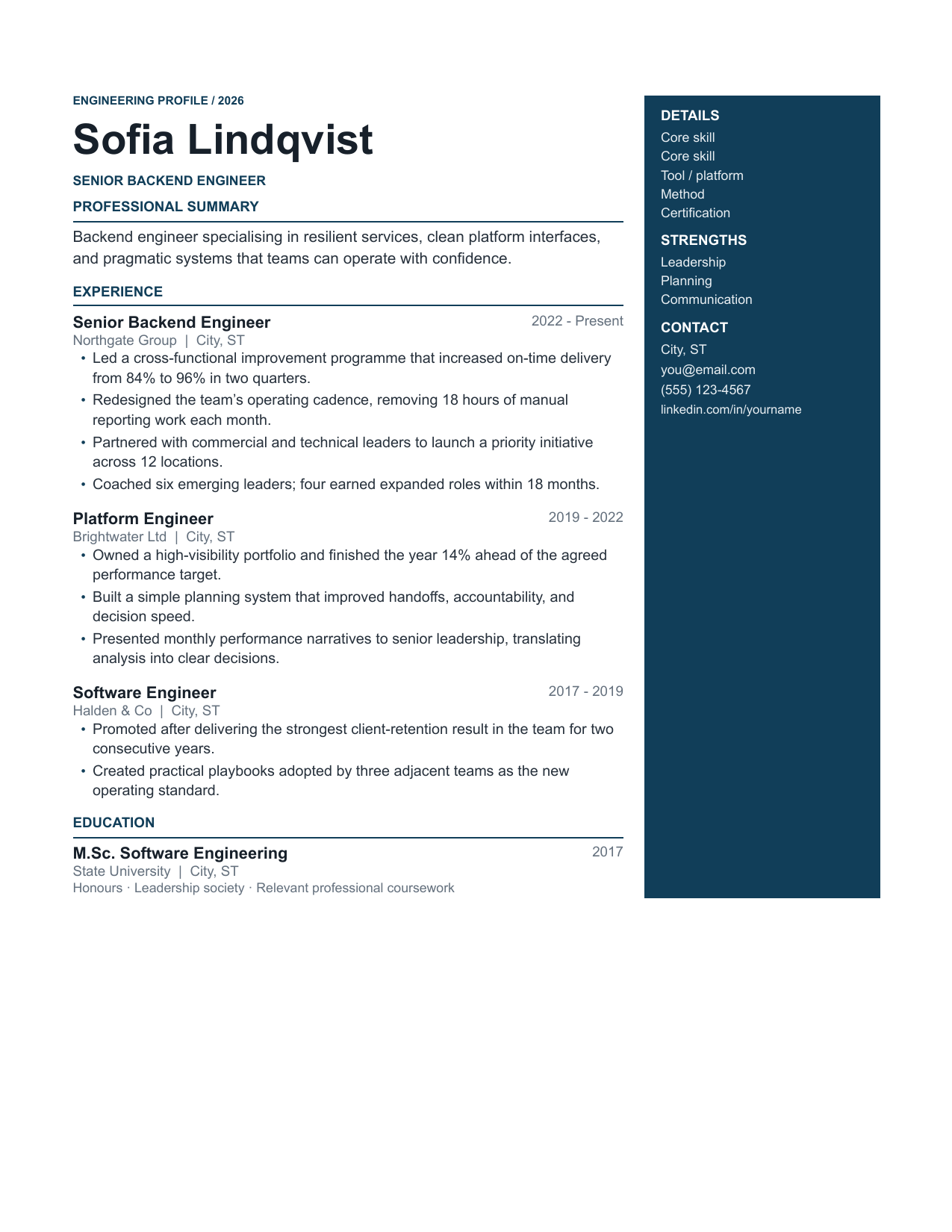
A dedicated technical skills block, a projects section with room for links, and a right rail that keeps the stack visible without crowding the bullets.
Best fitSoftware engineers, data, infrastructure
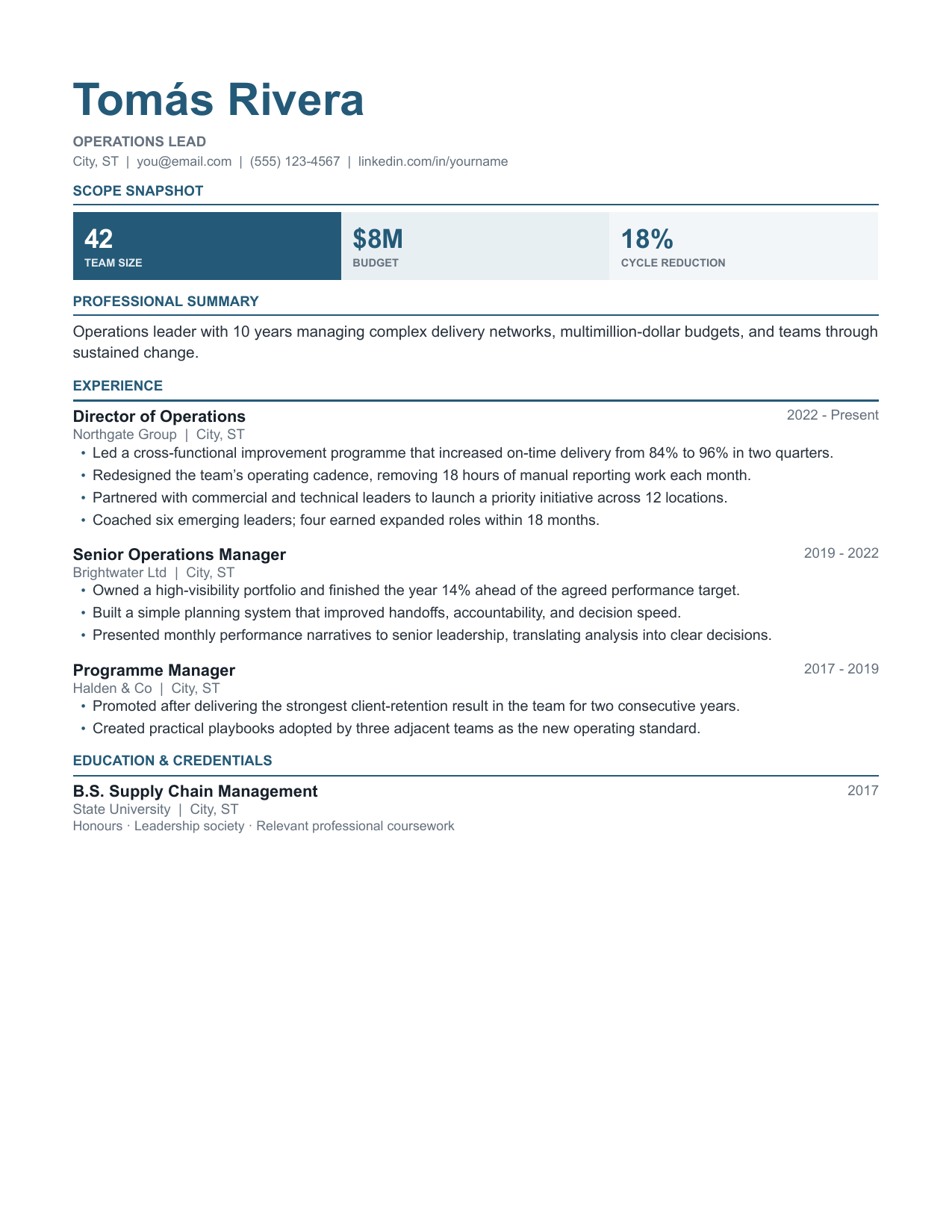
Each role opens with a short scope line — team size, budget, volume — before the bullets, so the scale of your work registers immediately.
Best fitOperations, supply chain, programme management
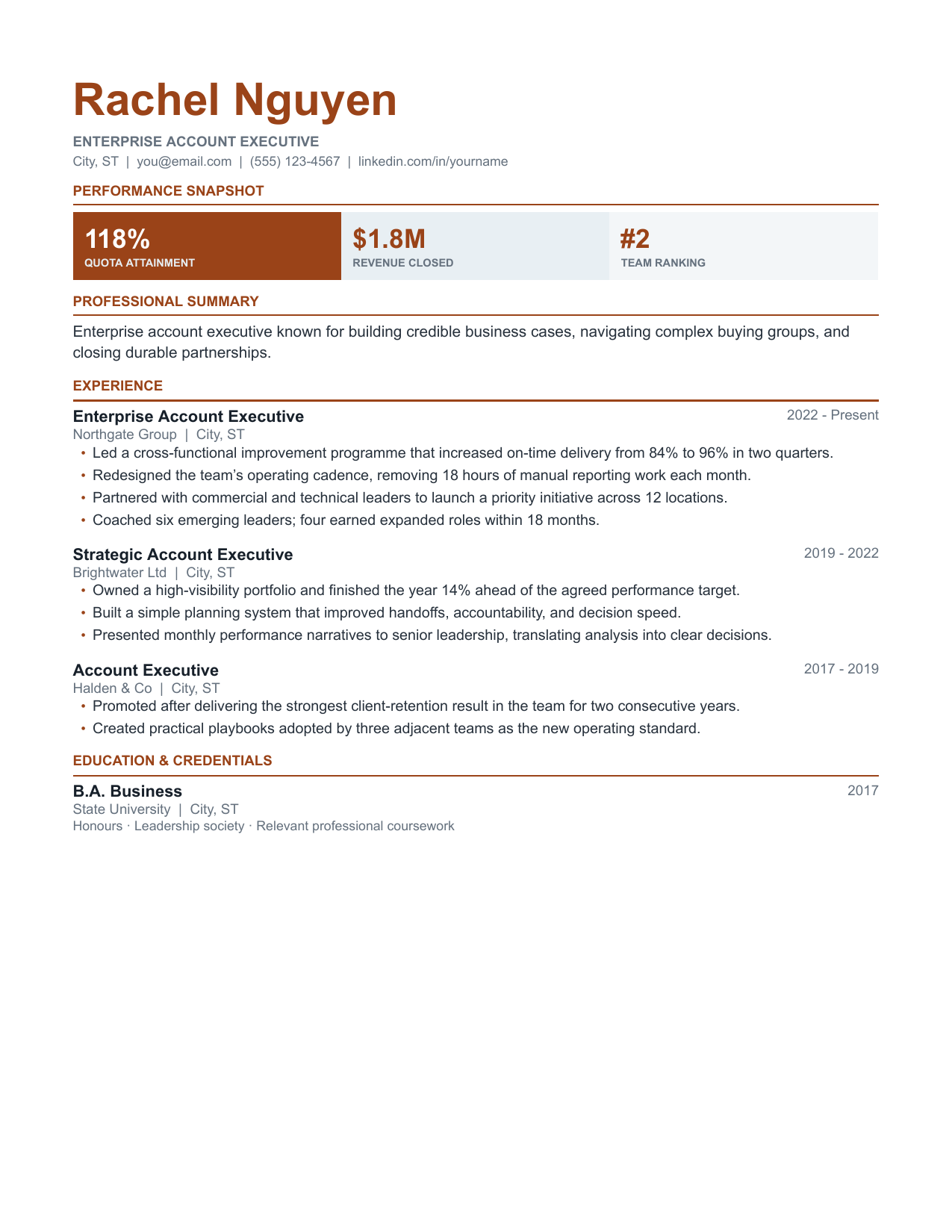
A compact attainment table near the top for quota, revenue and ranking, followed by conventional experience bullets.
Best fitAccount executives, sales leadership, business development
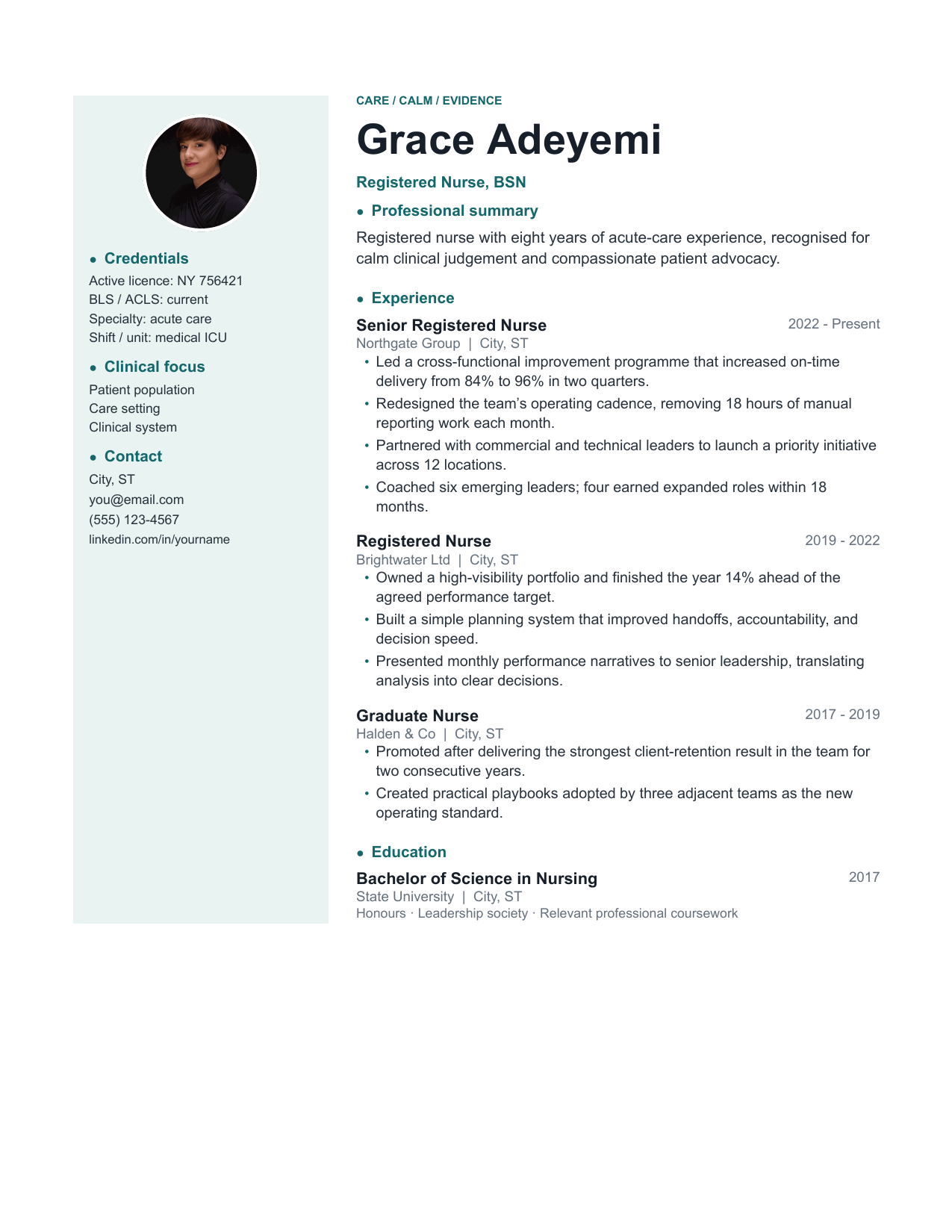
A warm, optional portrait sits above a calm credentials rail, keeping licence details visible without making a clinical resume feel institutional.
Best fitNursing, allied health, clinical research
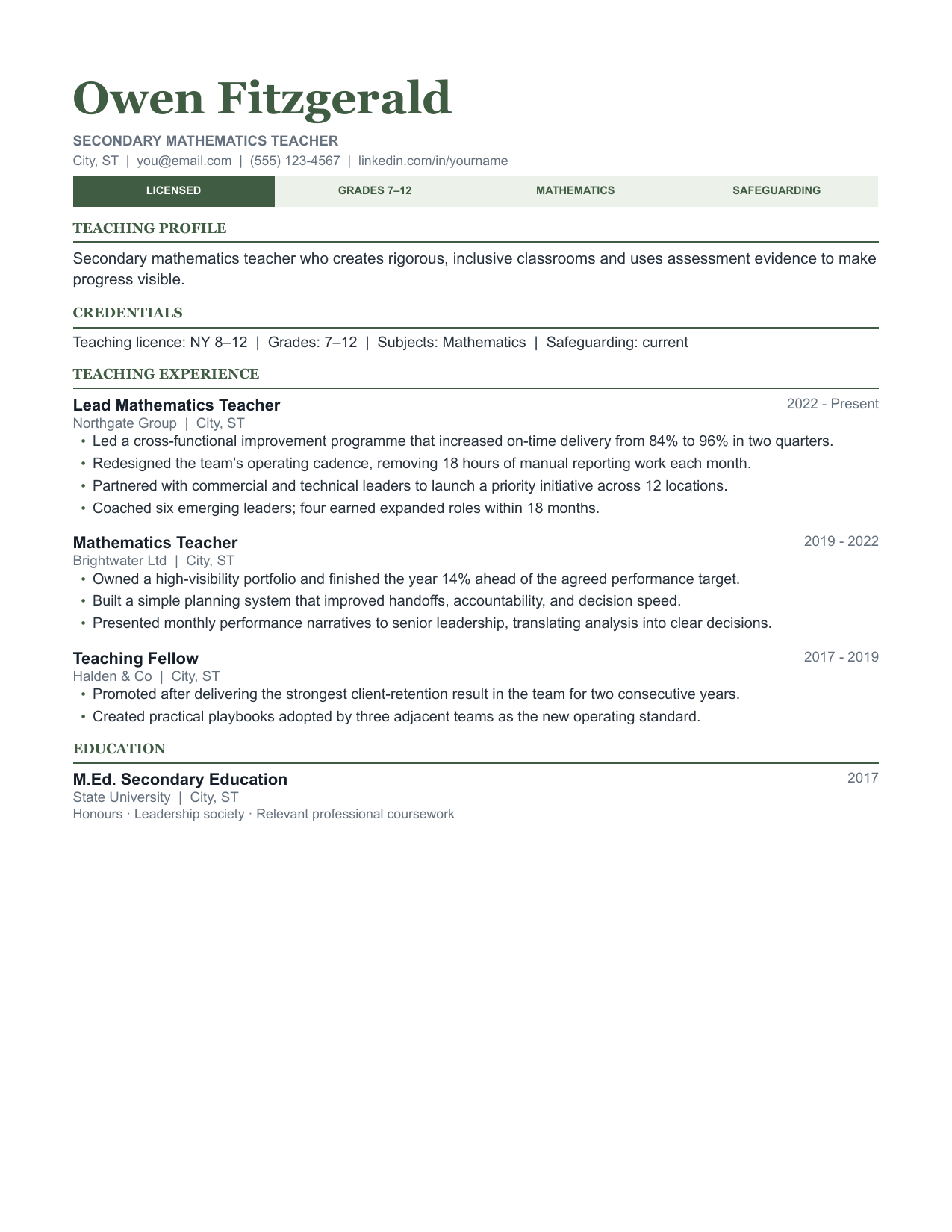
Room for certifications, grade bands, subject specialisms and placements, laid out the way school districts expect to read them.
Best fitTeachers, teaching assistants, school administration
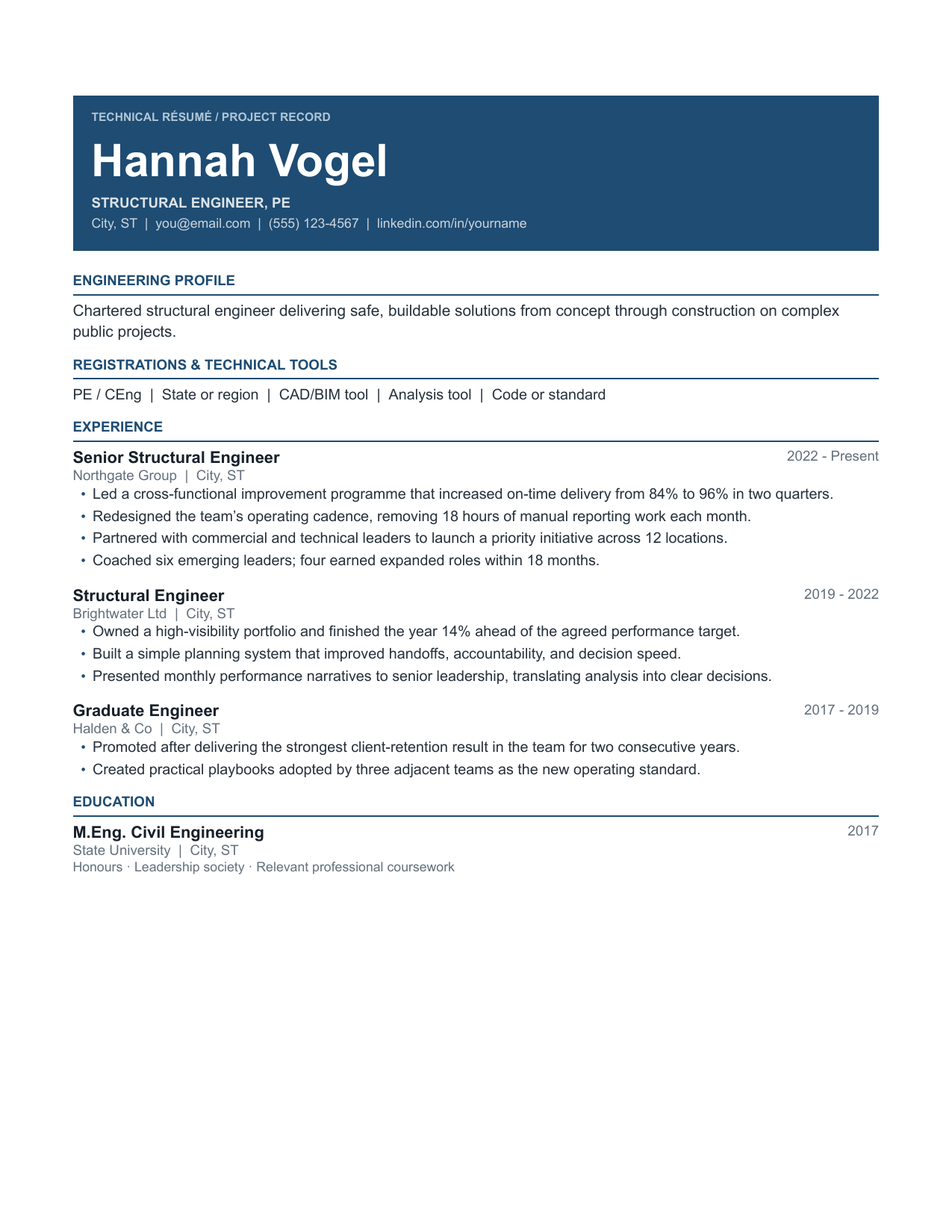
A banner header with a certifications strip underneath, then project-based experience entries sized for engineering work.
Best fitCivil, mechanical and electrical engineering
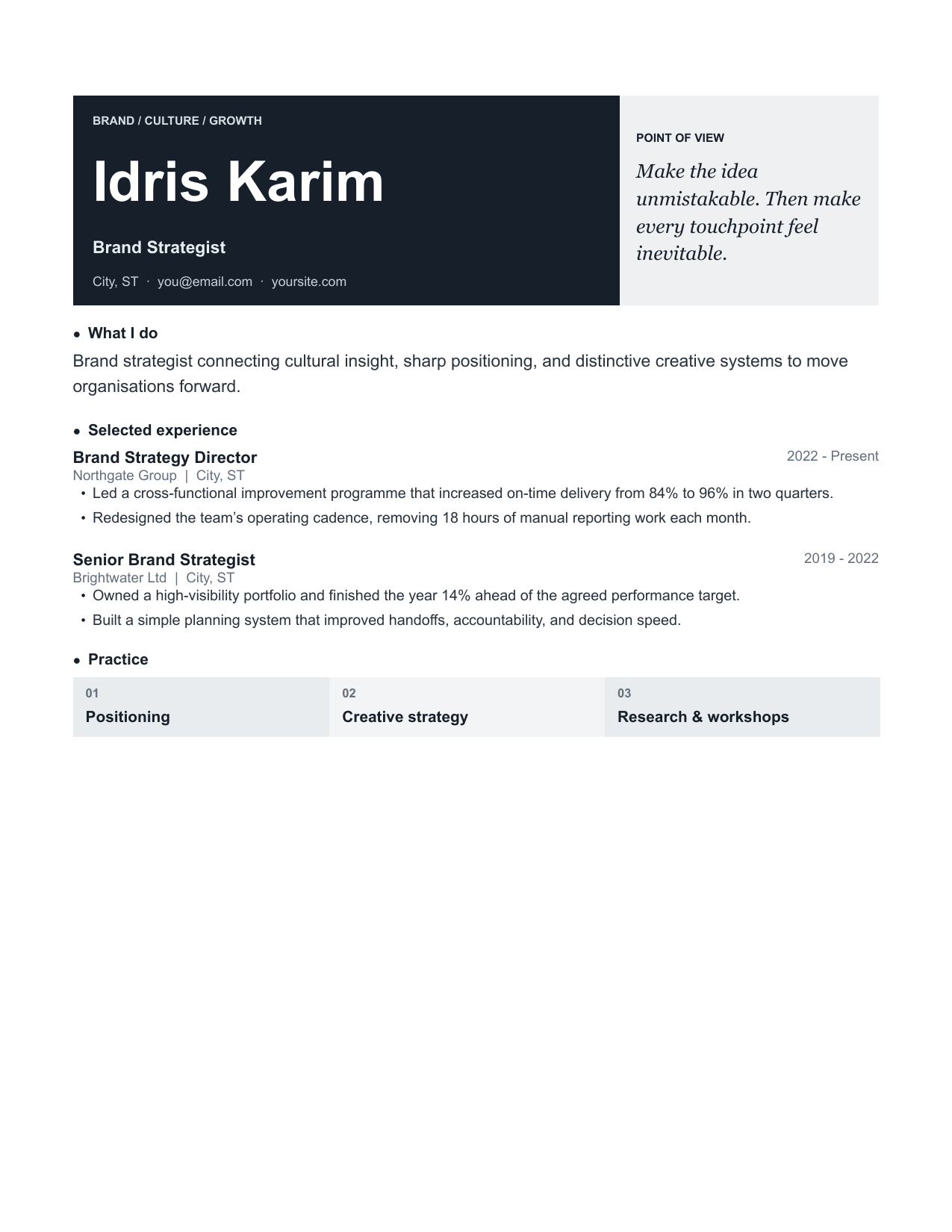
An oversized name block, personal point-of-view card and generous white space make this the collection’s boldest brand-led resume.
Best fitStanding out in a stack of identical black-on-white resumes
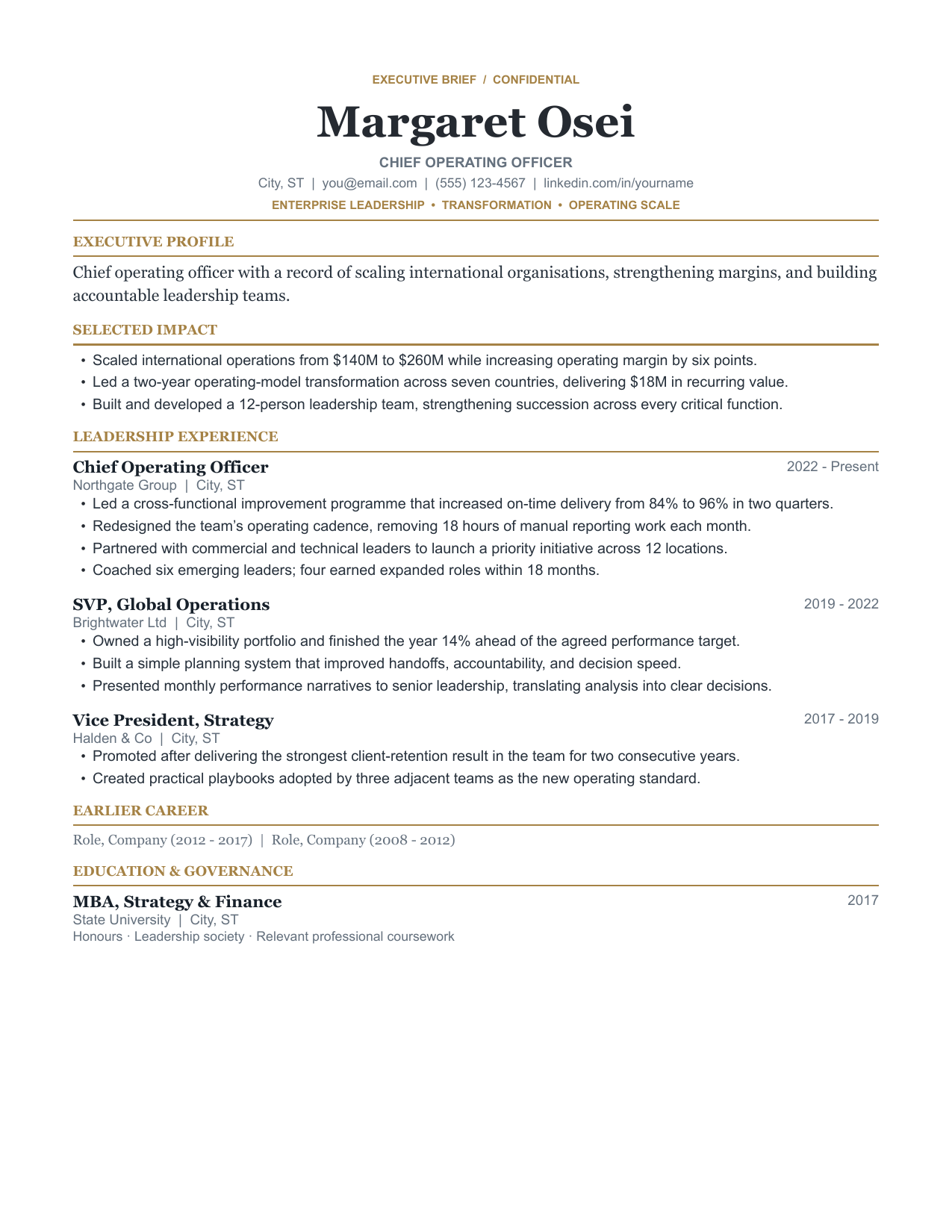
Opens with an executive summary and a selected-achievements block, then compresses early-career roles into a single closing line.
Best fitDirector level and above, board and advisory roles
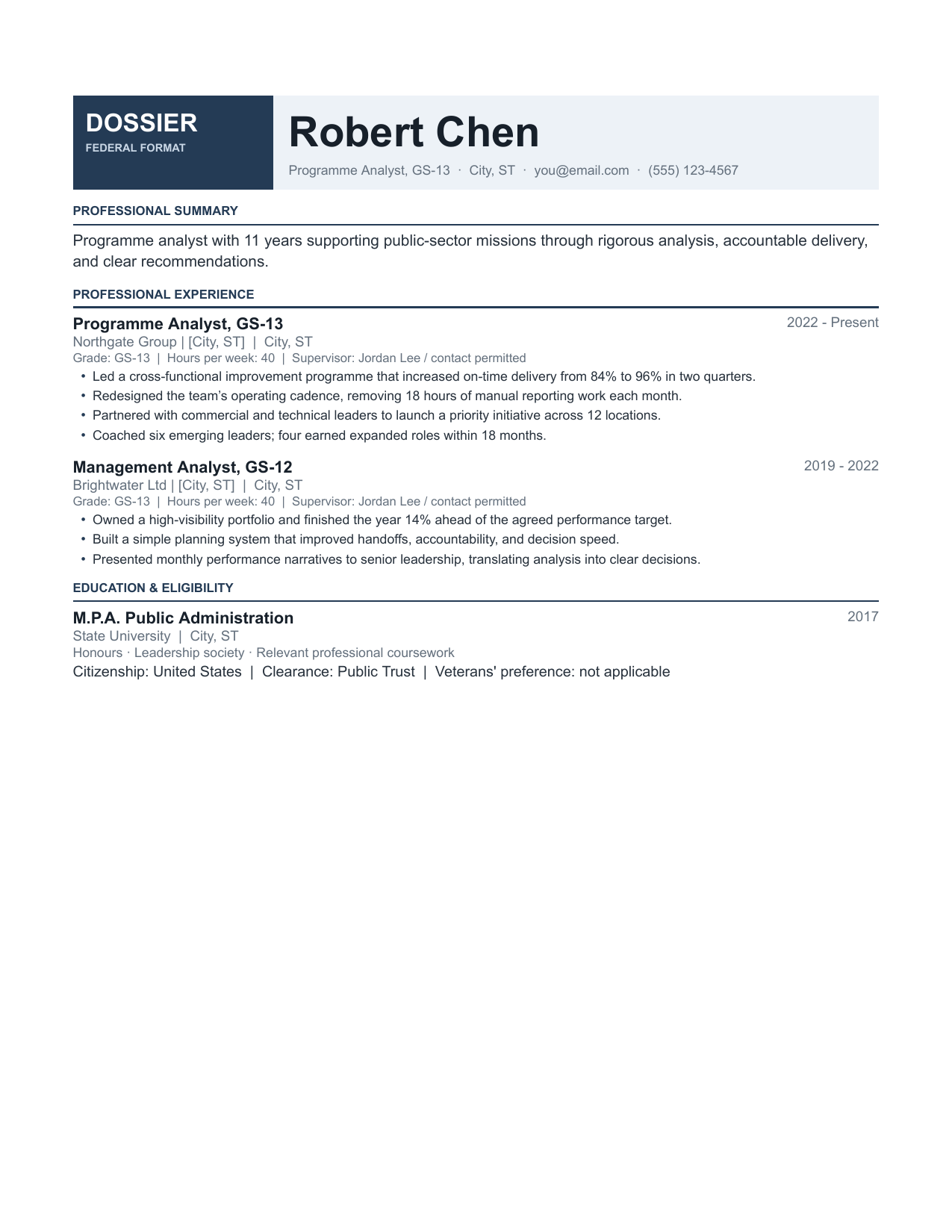
Multi-page by design, with space for hours per week, supervisor details, salary grade and full duty descriptions.
Best fitFederal and public sector applications
A circular portrait, vivid portfolio rail and pared-back case-study highlights give creative work room to feel intentional.
Best fitMarketing, content, design where portfolio matters
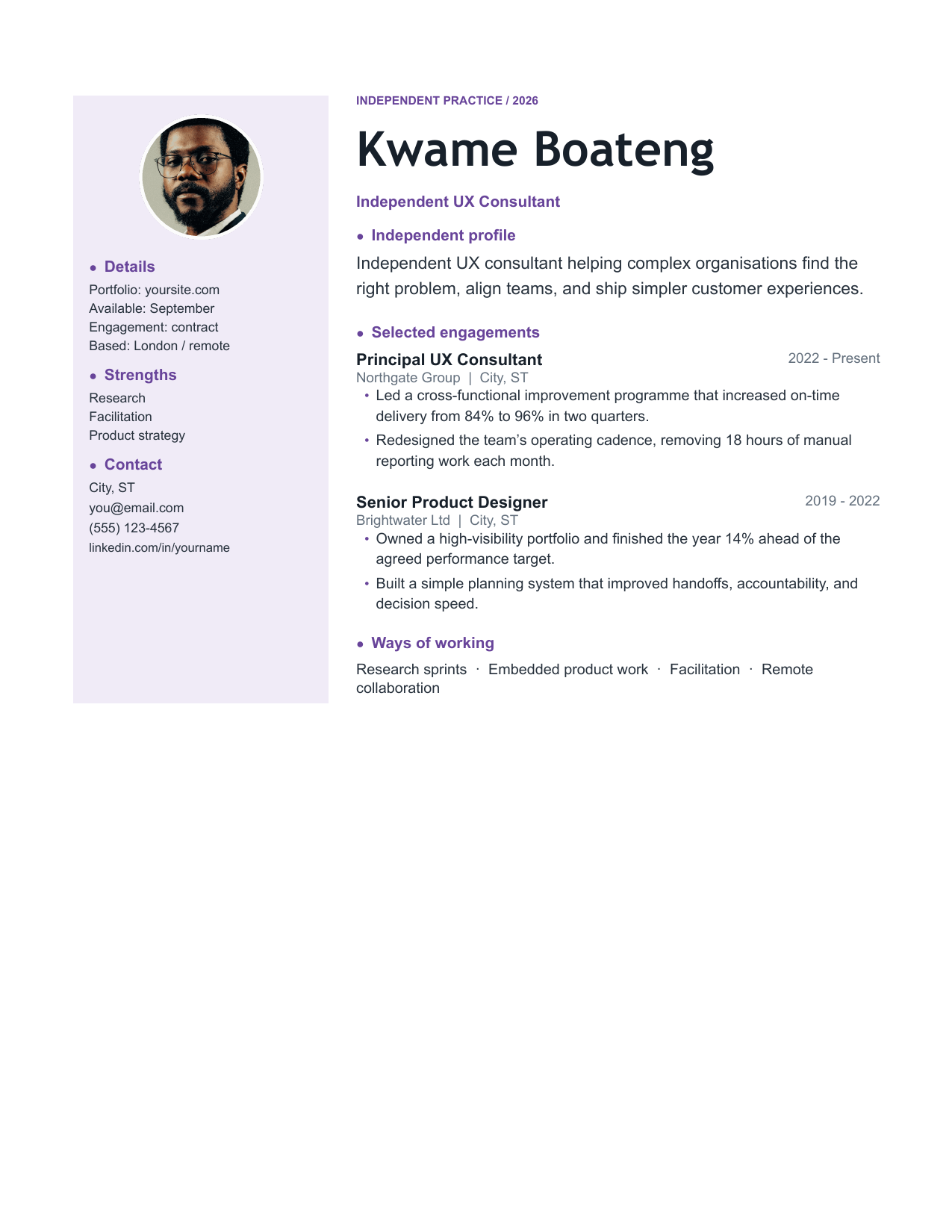
A portrait-led independent-practice layout that reframes experience around engagements, outcomes and a clear way of working.
Best fitFreelancers, contractors, consultants
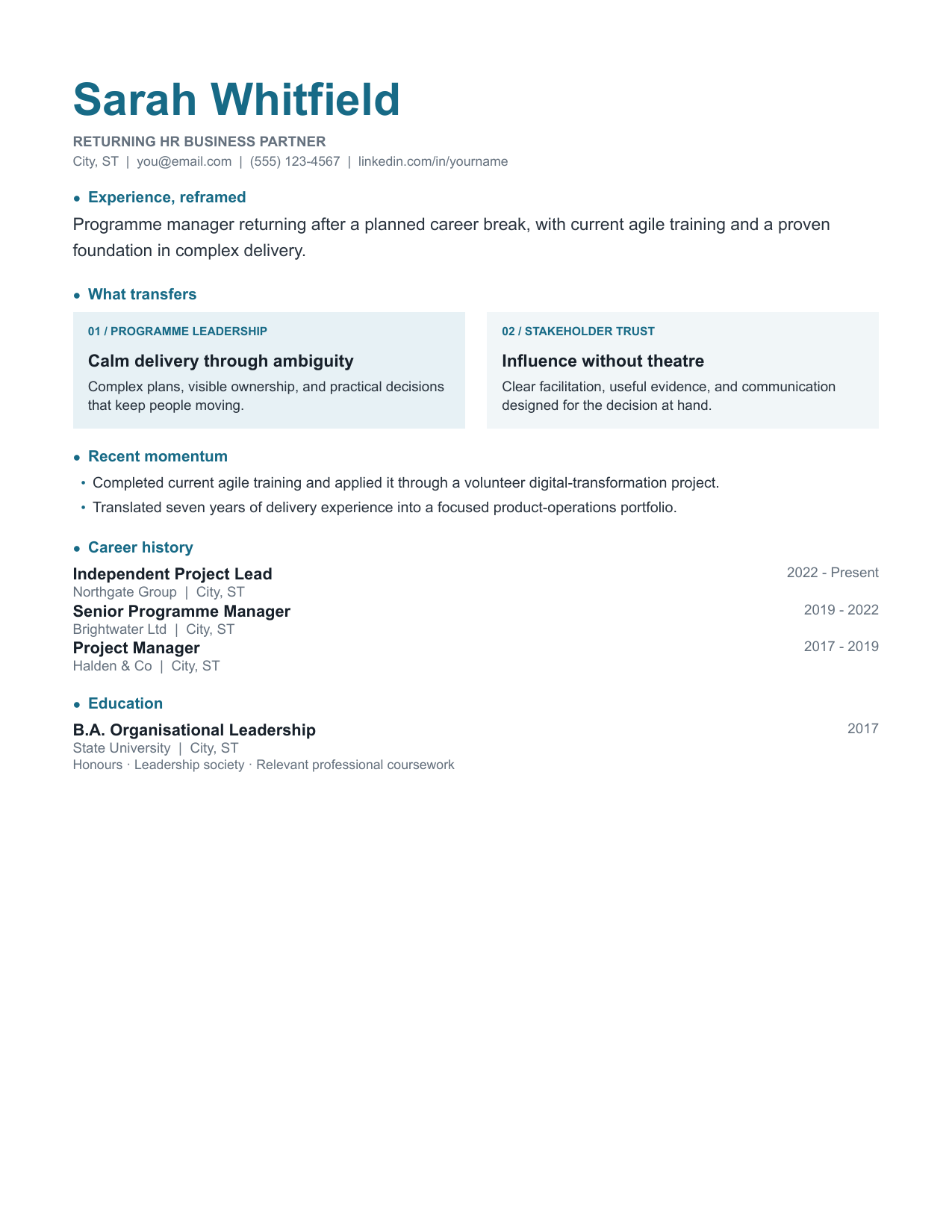
Two soft transferable-skill cards, a short recent-momentum section and a clean timeline make a return to work feel deliberate and current.
Best fitReturning to work after caregiving, illness or study
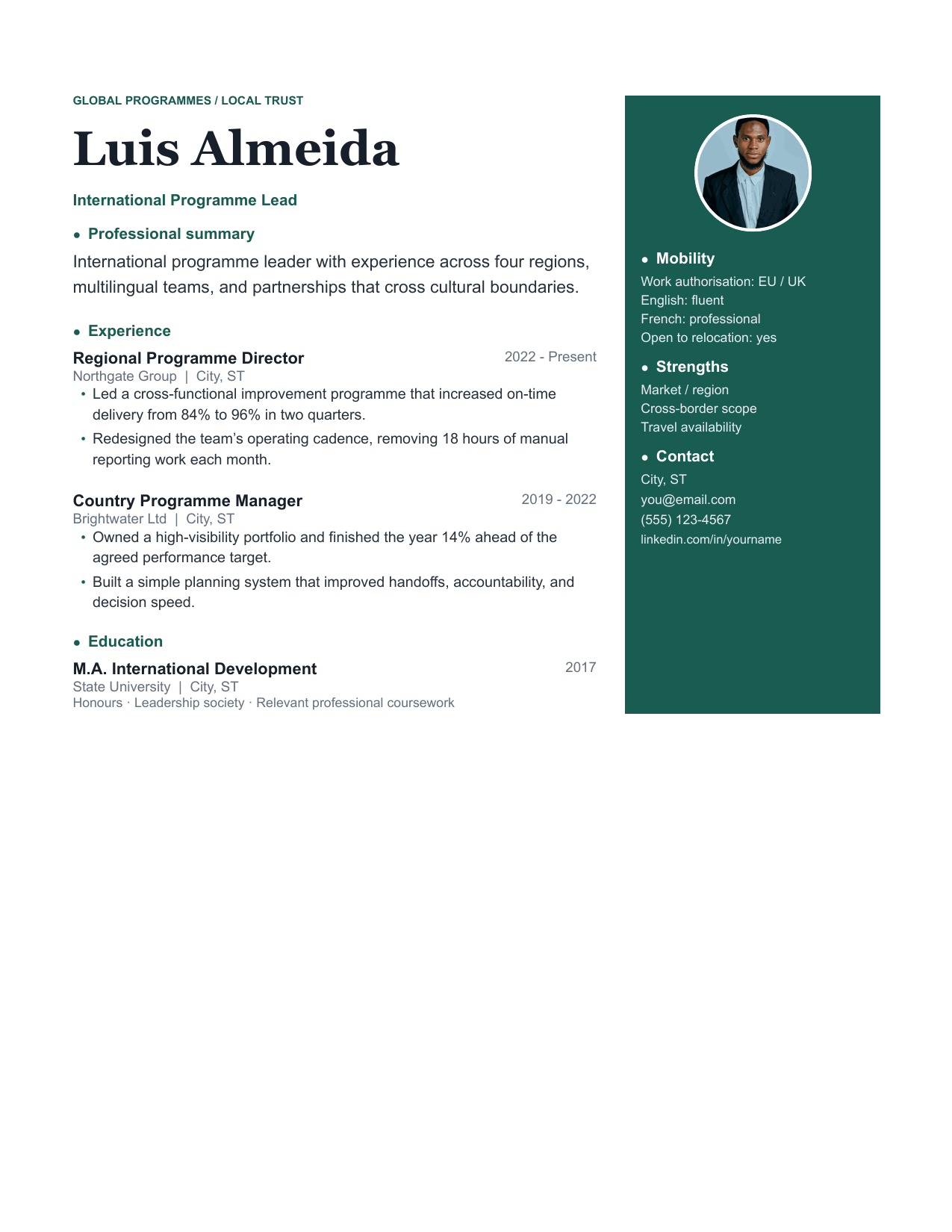
A portrait-led international layout with a calm mobility rail for languages, work authorisation and relocation details.
Best fitCross-border applications and relocation
How it works
Choose a design, make your own copy, and replace the prompts with evidence from your actual work. The original always stays untouched.
Check the ATS rating against how you are applying. Portal applications want Excellent; a resume going straight to a person can be anything.
Click “Use this template.” Google asks where to save an editable copy in your own Drive; the source file stays clean.
Swap the placeholder text for your own, delete any section you do not need, then use File → Download → PDF Document when you are ready to send it.
The things people ask before downloading one of these.
Yes. Every template downloads in full with no account, no email address and no watermark. There is no paid tier holding back a better version of the same file.
Templates published as Google Docs open with a single click — the button drops an editable copy straight into your own Drive, and the original stays untouched. For the rest, download the .docx, then in Google Drive choose New → File upload, right-click the uploaded file and pick Open with → Google Docs.
Each template lists an ATS rating. Templates rated Excellent use a single column with standard headings and no tables around body text, which is the most reliably parsed structure. Templates rated Strong use a table-based column layout that mainstream parsers handle correctly. The handful rated Good use colour and a sidebar; they read well to a human but are best kept for applications sent directly to a person.
Yes — that is the point of shipping editable documents rather than PDFs. Change anything you like. If you are editing an ATS-rated template, the two things worth preserving are the standard section headings and the single-column flow of the body text.
If you are applying through an online portal, start with Crisp or Compact. If you are early in your career, use Graduate. If you are changing industries, use Pivot. If a human will read it first — a referral, a recruiter you know, a direct email — you can afford Studio or Slate Sidebar.
One page for under ten years of experience, two pages beyond that. Compact exists specifically to fit a longer history onto one page without shrinking the type to an unreadable size. Federal and academic applications are the exception and are expected to run long — use Dossier for those.
Use them for your own job search, edit them however you want, and keep the result. Please do not repackage the template files themselves for resale or redistribution as your own template pack.
Prefer to work from a blank page? Write beside a live preview and download the finished PDF without creating an account.